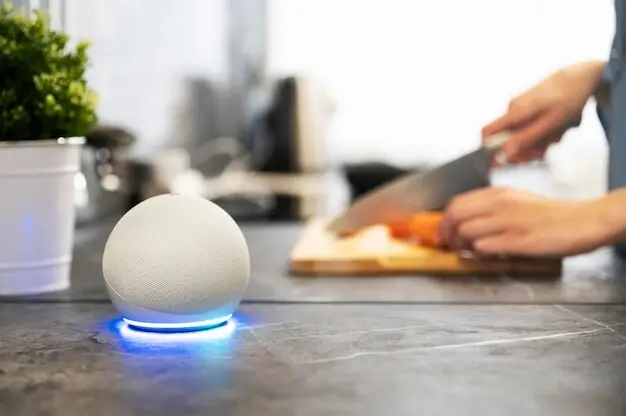
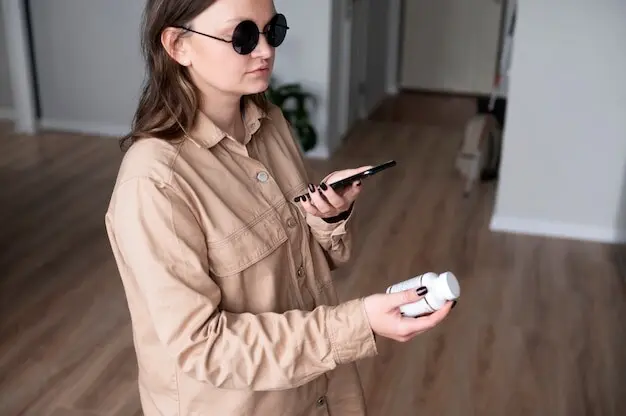
No-Code Habits and Health Reminders That Fit Your Busiest Days

Today we dive into no-code habit tracking and health reminders for busy schedules, showing how simple tools can automate consistency when time is scarce. Learn to combine calendars, spreadsheets, and automation platforms to cue healthy actions, surface progress, and protect focus, without writing a single line of code, even on chaotic travel days or meeting-heavy weeks.

Start Fast: A Reliable System in Under an Hour

Pick the Foundation: Calendar, Notes, and One Automation

Choose a single home base for data, like Google Sheets or Notion, then connect your calendar and one automation service such as Zapier, Make, or IFTTT. This trio balances flexibility with simplicity, avoids rabbit holes, and remains sustainable during crunch periods.

Define Three Keystone Habits and Clear Cues

Limit initial focus to three health anchors—hydration, movement, and sleep support or medication—then pair each with a specific context cue. Attach actions to existing routines, like post-coffee or meeting wrap-ups, ensuring friction stays low and completion becomes almost automatic.

Create Reminders You Will Not Miss

Route cues to where attention truly lands: SMS for high-urgency, calendar alerts for predictable slots, and lock-screen notifications for nudges between tasks. Time-box windows, add gentle persistence, and escalate only when silence might risk health or critical commitments.

Behavior Design That Survives a Packed Day

Blend behavioral science with humane defaults. Anchor actions to existing routines, shrink steps to the tiniest viable version, and celebrate wins visibly. Implementation intentions, habit stacking, and environmental cues protect momentum when energy dips, interruptions multiply, or deadlines squeeze everything else.

Automation Recipes Without Code

Combine familiar tools to orchestrate dependable nudges and logs. Calendars supply context, forms collect quick taps, sheets or Notion store history, and automation platforms route messages across channels. Build once, then let the system watch openings and react faster than you can.

Morning Primer: Daily Page, Agenda, and Focus

At dawn, auto-create a daily Notion page from a template, pull today’s calendar into a checklist, and DM yourself a concise focus summary in Slack or Telegram. One tap logs keystone habits; another snoozes respectfully when sleep deficit demands gentler pacing.

Hydration and Movement Between Meetings

Build a rule that detects fifteen-minute gaps and sends a quick water nudge or stretch card, then logs compliance with a tap. If the day is wall-to-wall, escalate to an evening catch-up plan that protects rest while still salvaging momentum.

Medication Support With Safety Buffers

Use a secure form or widget to record doses, trigger spaced reminders, and alert you only when a critical window is at risk. Pair with refills tracking, low-supply warnings, and calendar-aware quiet hours to reduce mistakes without overwhelming notifications.


Dashboards and Metrics That Encourage, Not Shame

Design views that reward consistency and illuminate patterns. Show rolling streaks, adherence percentages, and context tags for interruptions, then surface gentle suggestions rather than scolding. Weekly digests celebrate progress, highlight bottlenecks, and propose small experiments tuned to your actual schedule realities.

Wearables and Context-Aware Health Support

Leverage data from Apple Health, Google Fit, Oura, or Garmin using privacy-conscious connectors to adjust reminders intelligently. When sleep dips, ease intensity; when steps lag, suggest a micro-walk; when weather improves, propose fresh-air breaks. These subtle adaptations increase adherence without extra effort.

Field Story, Templates, and Your Next Step

Follow a real-world build from a product manager juggling ten-hour days and family care. See how small wins compounded through deliberate design, then grab a starter kit and share your questions. Collective iteration makes these systems kinder, stronger, and delightfully sustainable.
Livokentosento
Privacy Overview

This website uses cookies so that we can provide you with the best user experience possible. Cookie information is stored in your browser and performs functions such as recognising you when you return to our website and helping our team to understand which sections of the website you find most interesting and useful.